
Sometimes you might have a website or service without an API but which has some sort of emailing facility. For example, an online form that sends a standard email response.
With Power Automate you can extract whatever data you wish from that email and do what you like with it (update a database for instance).
For example if we have an email like this:
Subject: Form Submission
Body:
First name - Mickey
Second name - Mouse
...
Power automate can be programmed to search for the text between “First name – ” and “Second name” and (in this case) return “Mickey”.
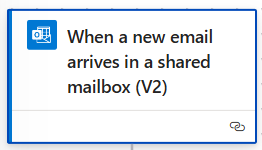
As the trigger choose “When a new email arrives in a shared mailbox V2” with the Subject Filter “Form Submission”.
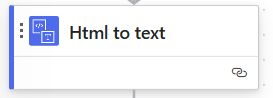
Next “HTML” to text:
Next and for several subsequent steps choose the Data Operation step:
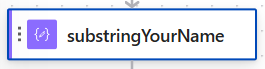
Using string manipulation functions like index, length, left, right, mid etc. extract the required data from the body if the email.
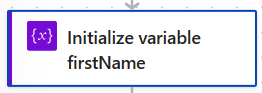
Finally, for each item of data extracted, create an Initialize Variable step, setting the value as the output from an earlier Data Operation step.
Leave a Reply